Console Overview
The NICE CXone Advanced Administrator Console (AAC) by Skybox provides an administration interface to help you make bulk changes quickly and efficiently in your CXone Business Unit. This application avoids the need to navigate multiple screens for updates or inserts. Simply log in to the easy-to-use administration screen and manage your updates all in one place.
The Advanced Administrator Console is available at: CXone Advanced Admin Console (AAC)
Registration and Login Process
Register your Business Unit for a 90-day trial, which includes access for up to five users.
To begin the login process: 1. Select the CXone button for standard Business Units. 2. Select the CXone-Gov button for FedRAMP-enabled Business Units. 3. Use your CXone username to log in.
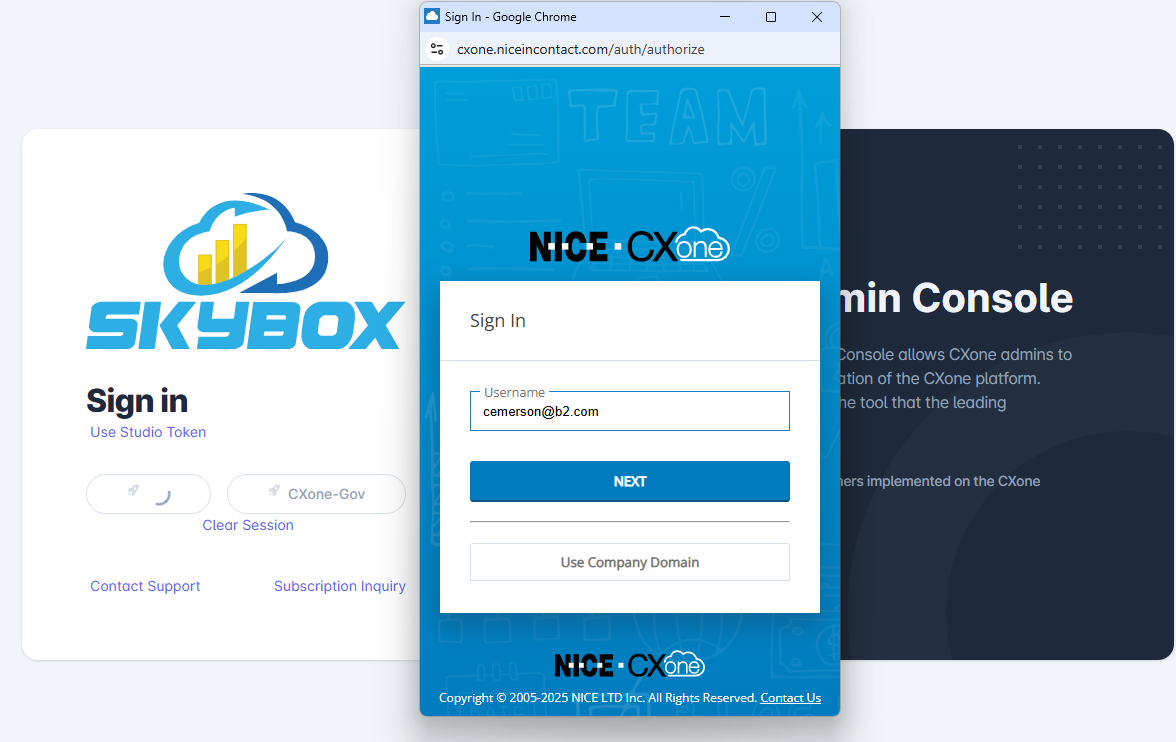
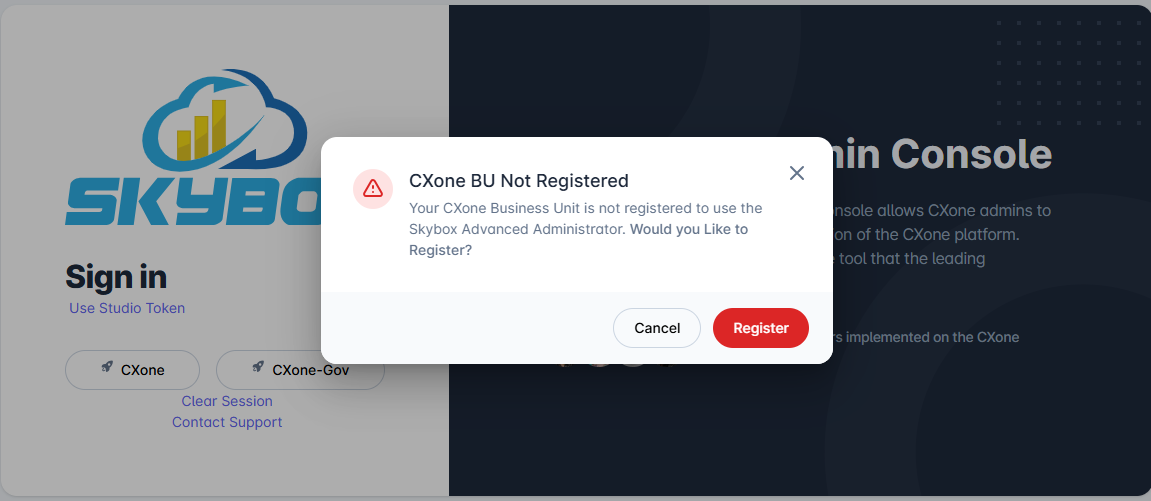
If you are not yet registered, a pop-up will appear allowing you to complete your registration.
This will direct you to the registration page. Your email address is pre-verified with CXone, so only your name will be modifiable. This streamlined process removes the need for email verification or manual approval steps.
You must check the box to acknowledge that you have read the terms and conditions.
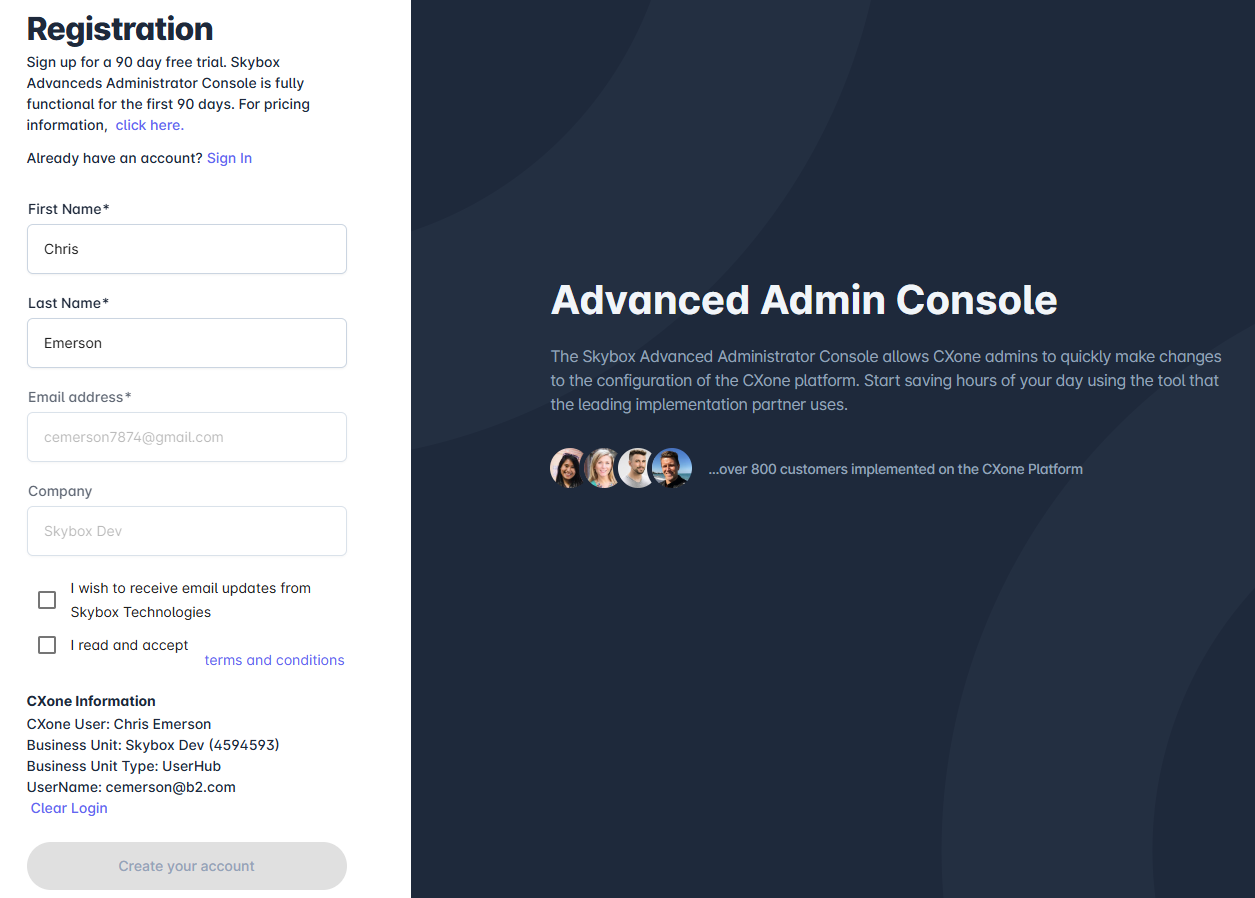
Once registered, your Business Unit will be set to a TRIAL service level.
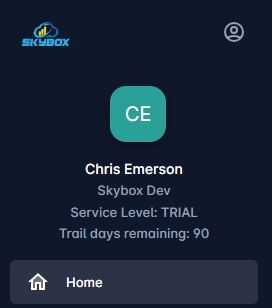
You can view your service level and the remaining days in your trial directly on the dashboard.
Logging in During Your Trial
After you have registered your Business Unit, your service level is set to TRIAL. Each time you log in to AAC during this period, you will see a message confirming your trial status.
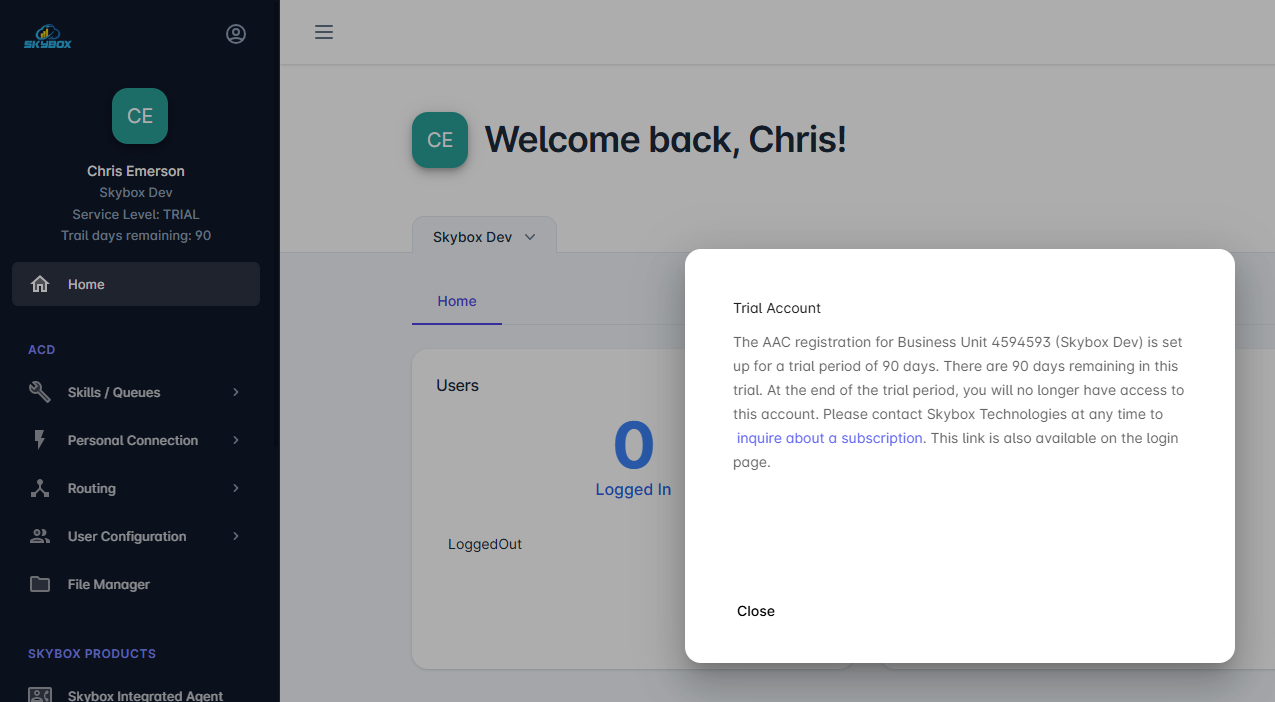
Converting to a Trial Account
If you are an existing customer not currently associated with a support contract, your account may be set to PRE-TRIAL. This means your Business Unit is in trial mode, but you haven't yet acknowledged the system message and terms.
The next time you log in, you will see a pop-up explaining the trial terms.
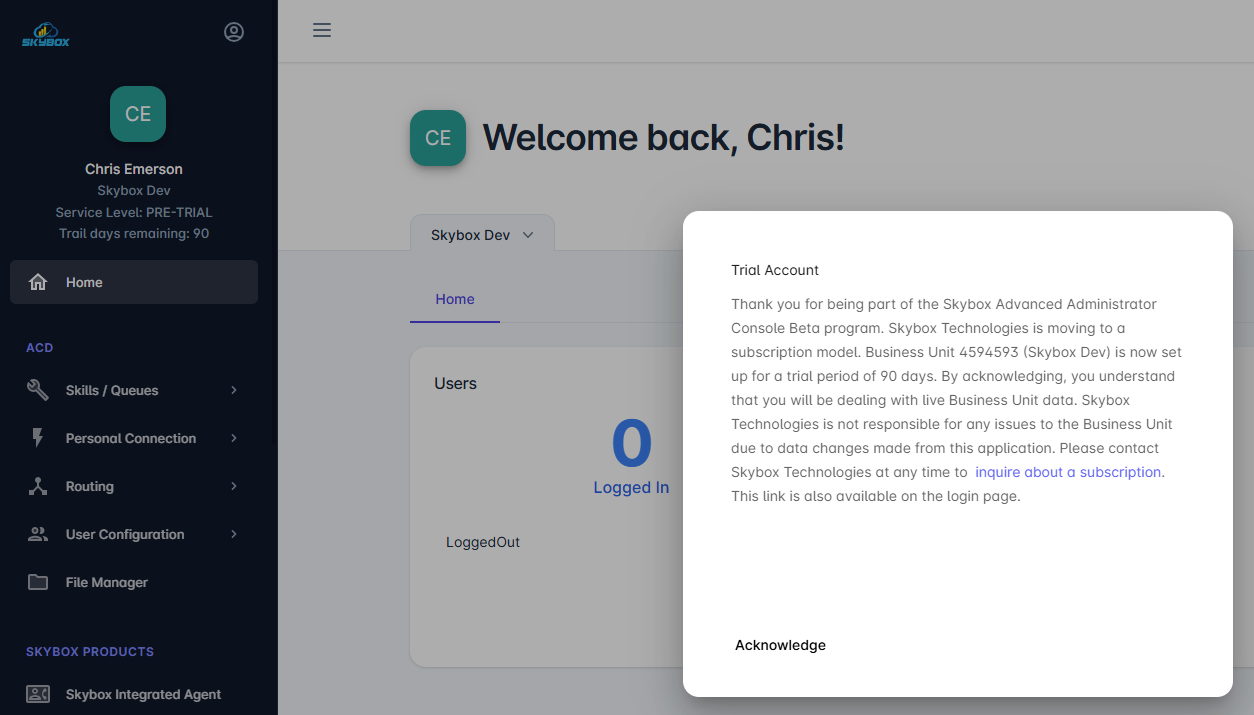
Once you acknowledge this message, your service level will update to TRIAL.
Expired Accounts
After 90 days, your trial account will expire. If you attempt to log in after expiration, you will see the following message.
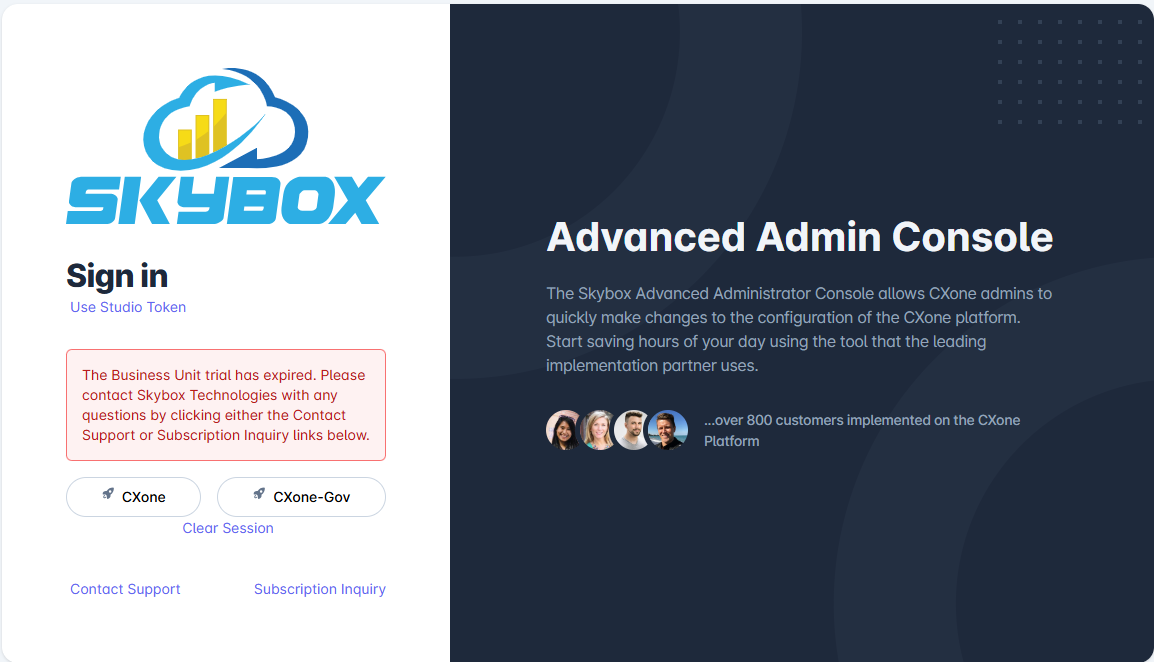
Setting up Your Subscription
To continue using AAC after your trial or to set up a new subscription (paid monthly or yearly), click the Subscription Inquiry link on the login page to contact Skybox.
Service Levels
- TRIAL – Registered for a 90-day trial period.
- IMPLEMENTATION - Activated for implementation support.
- FREE - Access provided free of charge.
- LICENSE - Registered for a monthly fee.
- SUPPORT - Included as part of an active Skybox Support Contract.