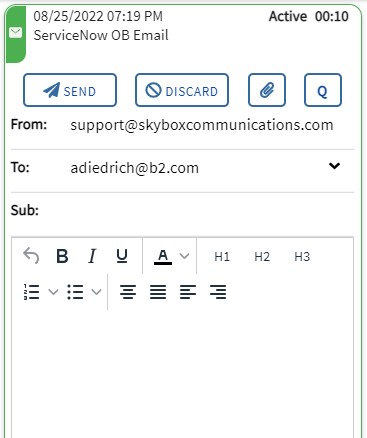
Sending an Outbound Email
Agents can initiate outbound emails if they have been assigned outbound email skills.
Steps
1. Click NEW
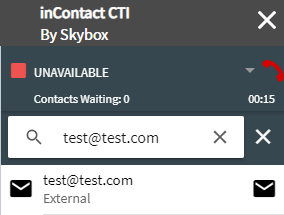
Click the NEW button at the bottom of the SiX Agent interface. This opens the address book and search screen.
2. Enter Recipient Address
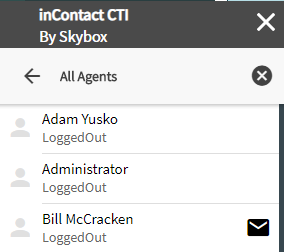
You can send an email in two ways: - Manually: Type the email address into the search box at the top. When the email icon appears, click it to begin. - Address Book: Search for a contact or agent. Hover over the entry and click the email icon.
3. Compose and Send
Fill in the subject and body of your email. You can also use quick replies or add attachments. When finished, click SEND.