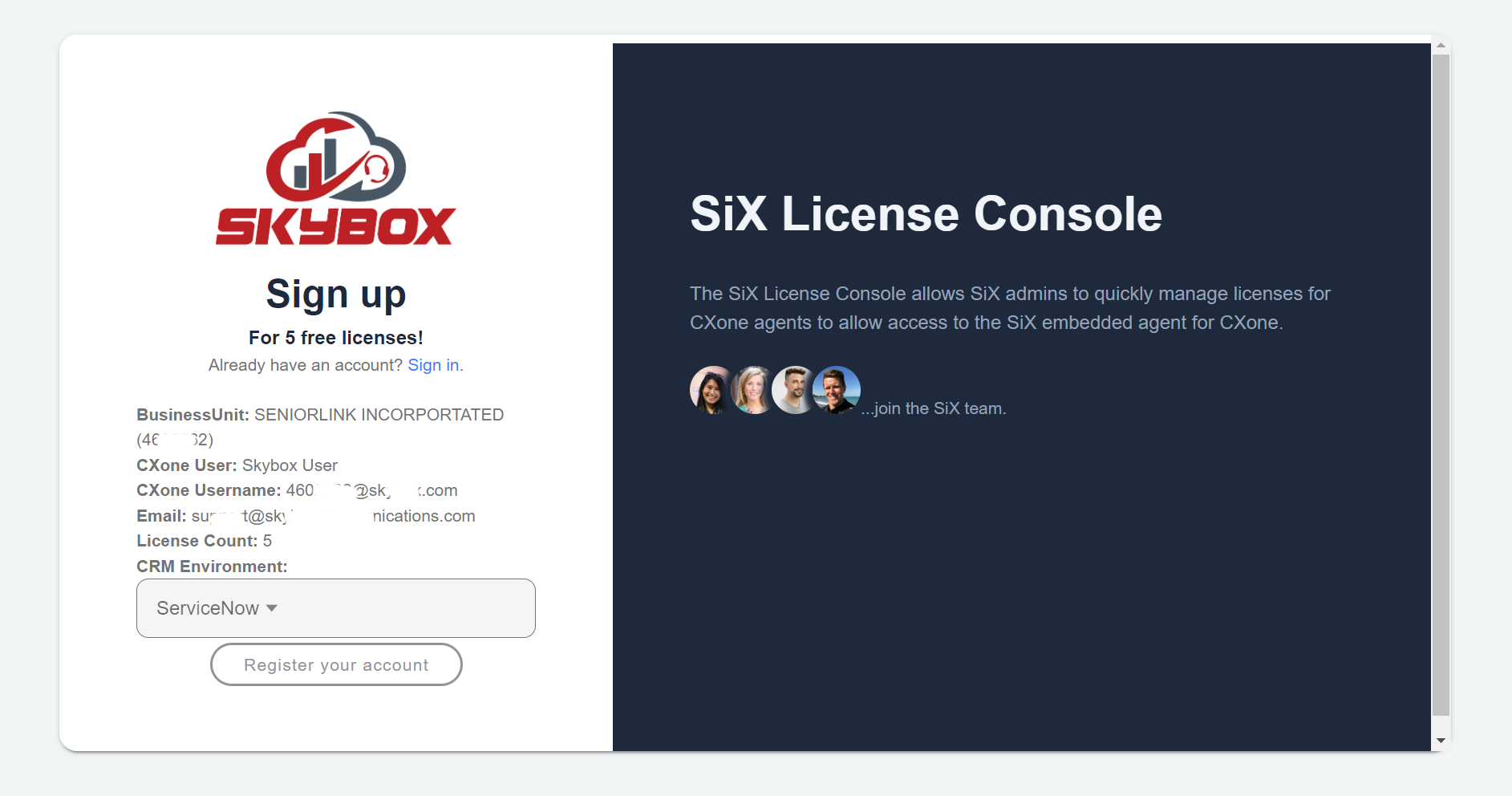
Register for 5 Free Licenses
The SiX product comes with 5 free licenses. Anything above 5 requires a contract with your contact center provider. Once the BU is flagged as LIVE by Skybox, you can modify the license count in the License Console.
Direct Contracts
If a direct contract with Skybox Communications is required, please contact info@skyboxcommunications.com.
Registration Steps
1. Open the SiX License Console
Click to open the SiX License Console.
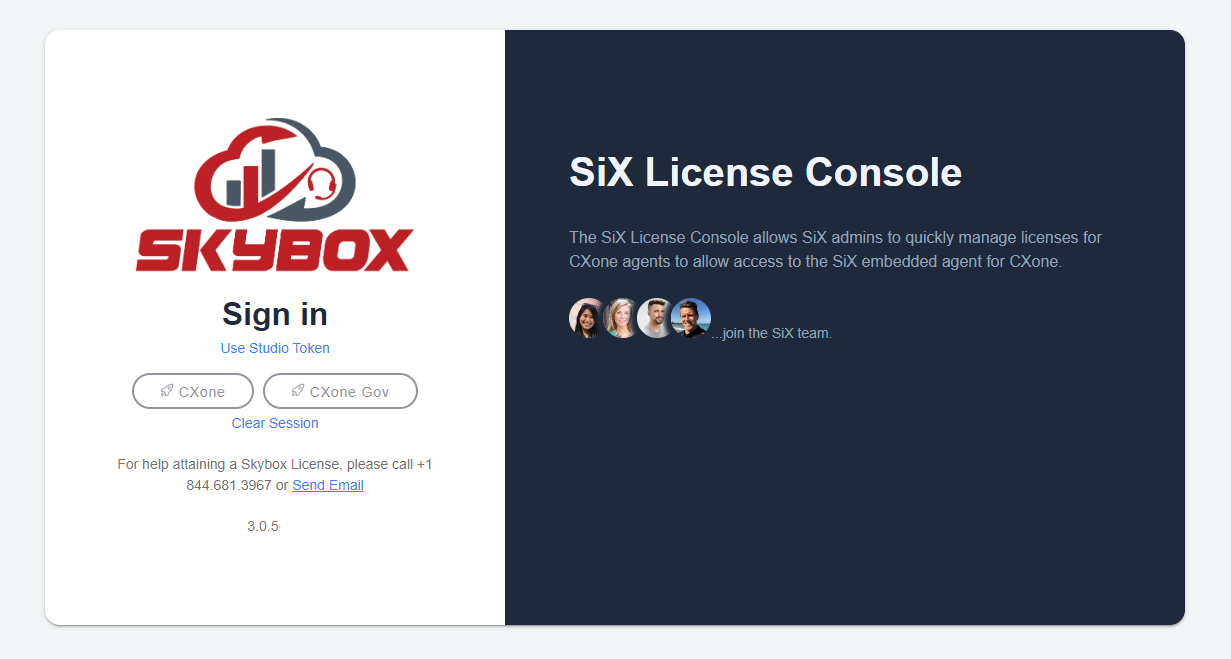
2. Enter CXone Credentials
Click on the CXone button, or if you have a FedRamp cluster, the CXone - Gov button. This opens a CXone login screen. Follow the login process using username/password, SSO, or MFA depending on your CXone configuration.
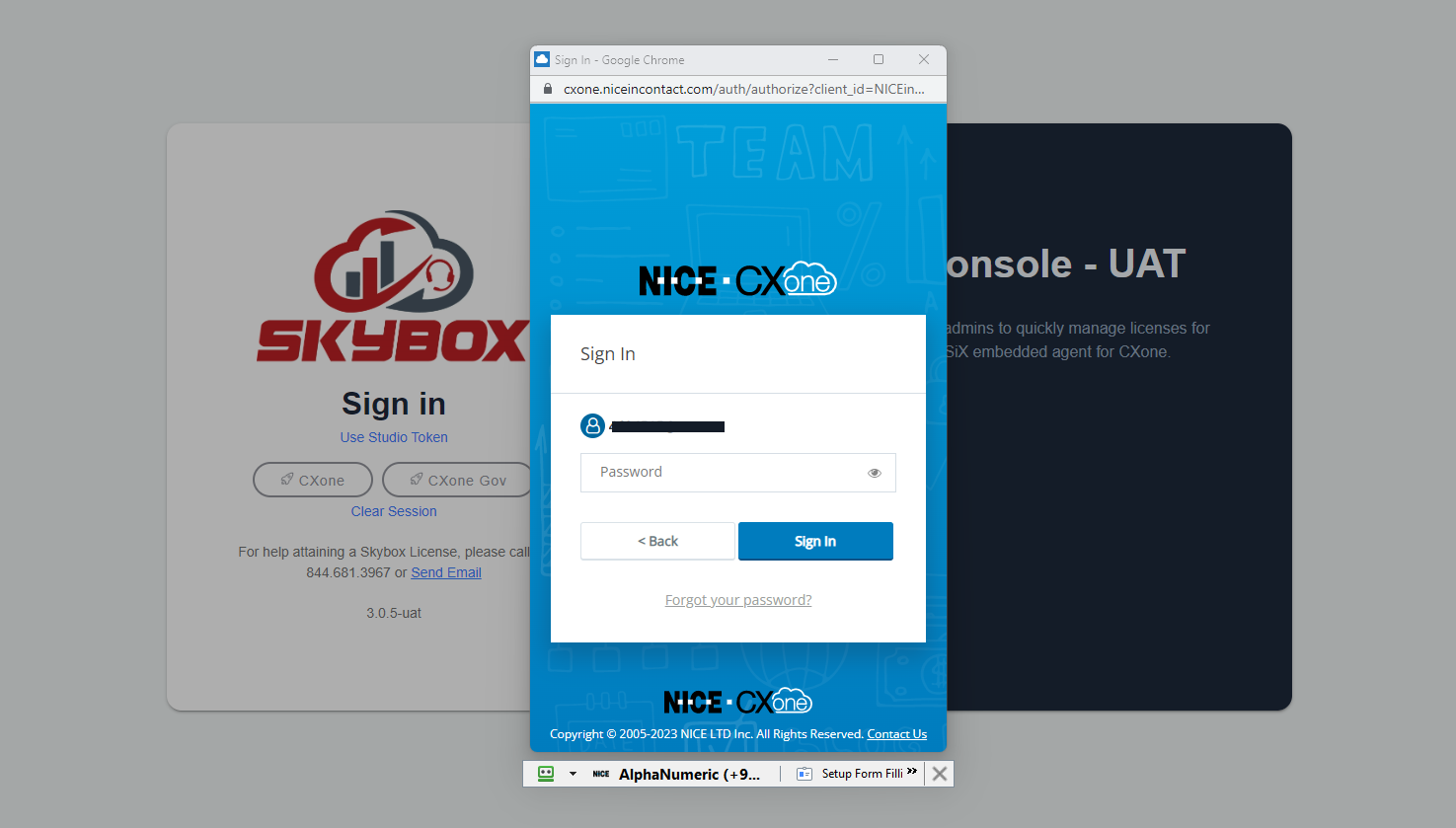
3. Click Register Button
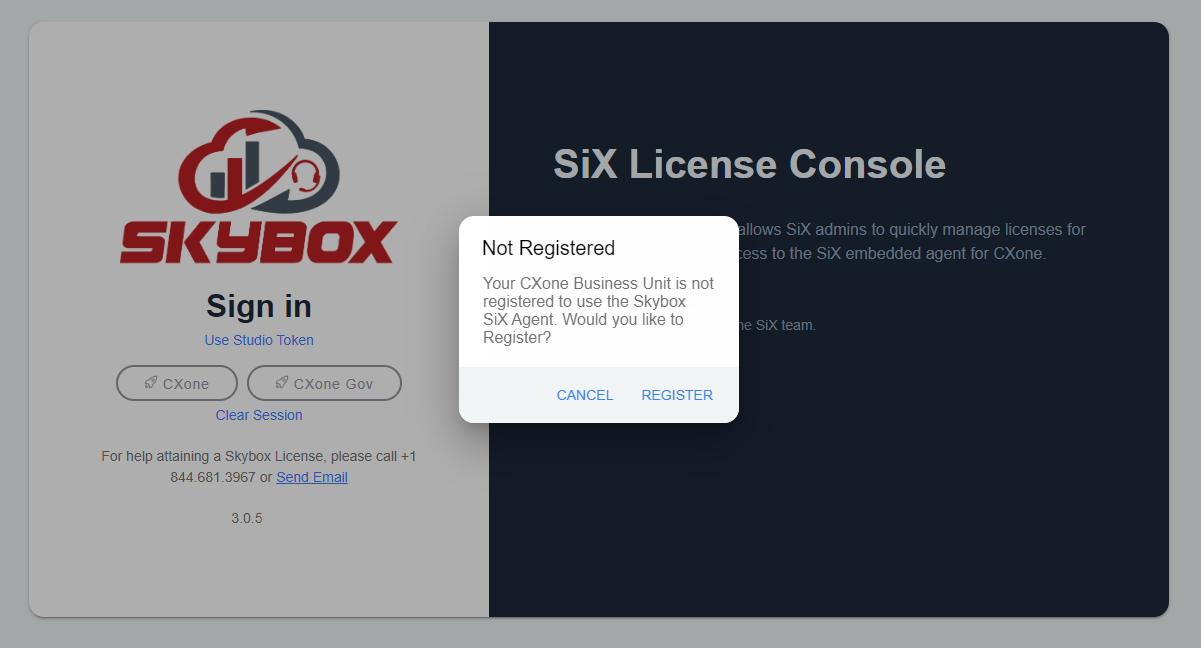
If your BU is not already registered with Skybox, you will see an alert asking if you want to register the current BU. Click Register.
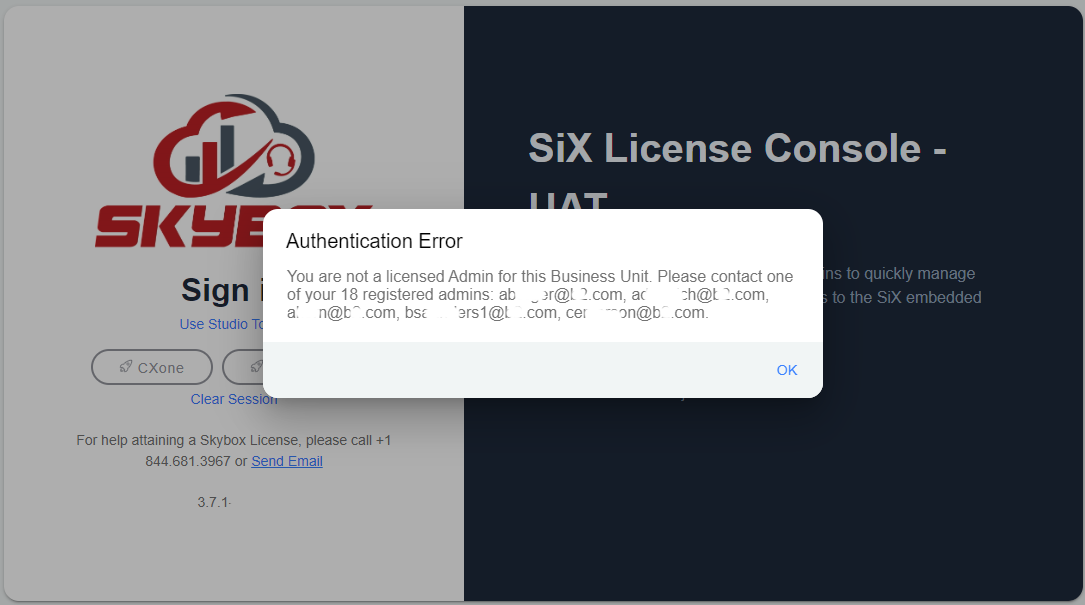
If your BU is already registered with Skybox, you will see an authorization error listing up to 5 already registered admins. Contact one of those admins to get access.
4. Verify Information
The CXone BU information displays for verification.
- Select the correct CRM environment from the dropdown list.
- If everything looks correct, click Register your account.