Callback a Voicemail
You can initiate an outbound call directly from a voicemail contact to respond to the caller.
Steps
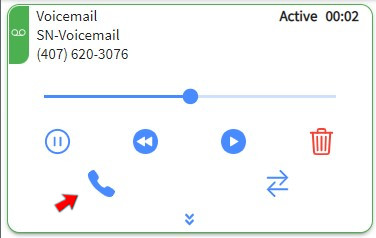
1. Click CALLBACK
Click the CALLBACK button on the active voicemail card. This opens the outbound call interface, pre-filled with the caller's phone number.
2. Select Outbound Skill
An outbound skill is required to initiate the return call. If you have multiple outbound skills assigned, you must select the appropriate one from the list.
3. Send Call
After selecting the skill, the outbound call is initiated. The system will dial the customer, and the interaction will transition to a phone contact.