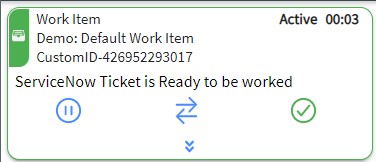
Placing a Work Item on Hold¶ You can place a work item on hold to manage other interactions or tasks. Steps¶ 1. Click HOLD This will place the Work Item in a holding state, allowing you to handle other interactions like an outbound call or email.