Daily Schedule
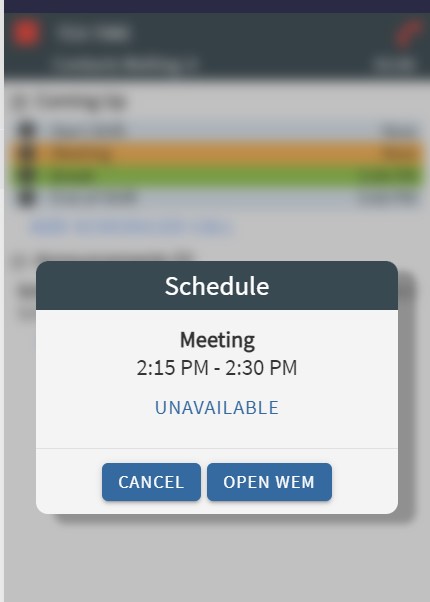
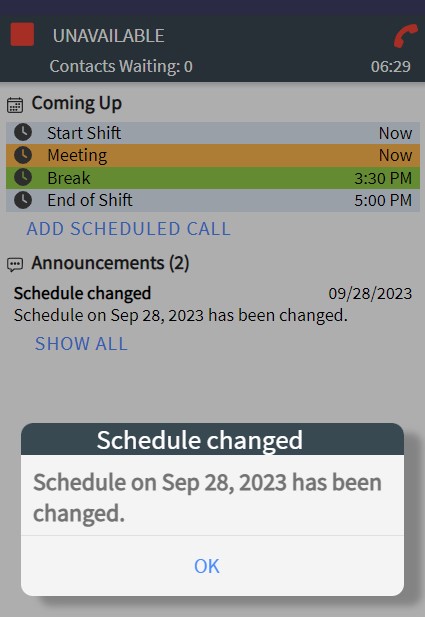
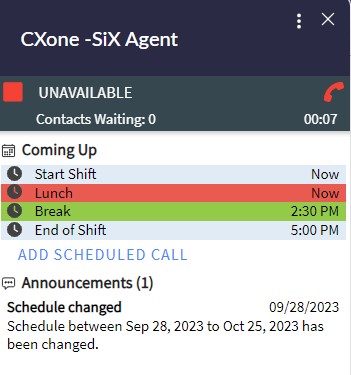
While logged into the SiX Agent, you can view your daily schedule directly within the interface. This helps you track upcoming breaks, lunches, and meetings.
Notifications and Status
When the current time matches an item on your schedule, the entry in SiX will begin to blink to alert you.
- Shift End: 5 minutes before your shift ends, the indicator will blink red to give you time to wrap up your current work.
- Meetings: Meeting notifications and schedule changes will appear as pop-up alerts on your screen.