Receiving an Inbound Email
When an inbound email is delivered, you can review the content and choose how to respond.
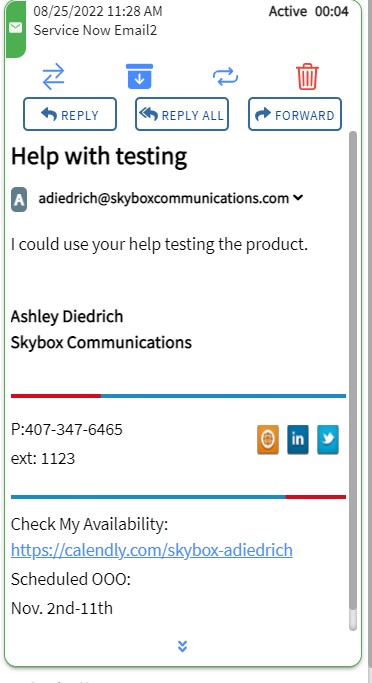
Handling Options
Once you choose to Reply, Reply All, or Forward, the contact enters Edit mode.
1. Click CANCEL
Discards the current draft and returns the view to the original received email.
2. Click Q (Quick Replies)
Opens a pop-up with available pre-written responses configured for your Business Unit. See Using Quick Replies for more details.
3. Click Paperclip (Attachments)
Allows you to upload and attach files to your email response. See Adding Attachments for more details.
4. Click SEND
Sends the email response and closes the contact card.