Discarding an Email
If an email does not require a response or was handled through another channel, you can discard it to remove it from your queue.
Steps
1. Click DISCARD
Click the DISCARD button on the active email contact card.
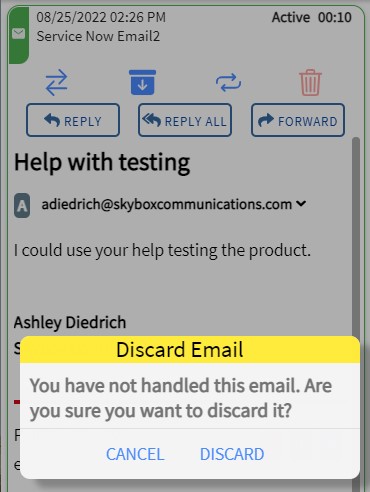
2. Acknowledge Discard
A confirmation prompt will appear. You must acknowledge the action to proceed.
Permanent Action
Discarding an email deletes it from the SiX Agent interface and removes the contact card. This action cannot be undone.