Import Call Center
The Salesforce Call Center is what drives what the OpenCTI Softphone displays. The Call Center will need to be imported and assigned to the appropriate users in Salesforce.
Configuration Steps
1. Download The SiX Call Center
Download the SiXCTI CallCenter_v3 Call Center. This will download a zip file with the xml representation of the Call Center. Unzip the file once downloaded.
2. Import The Call Center
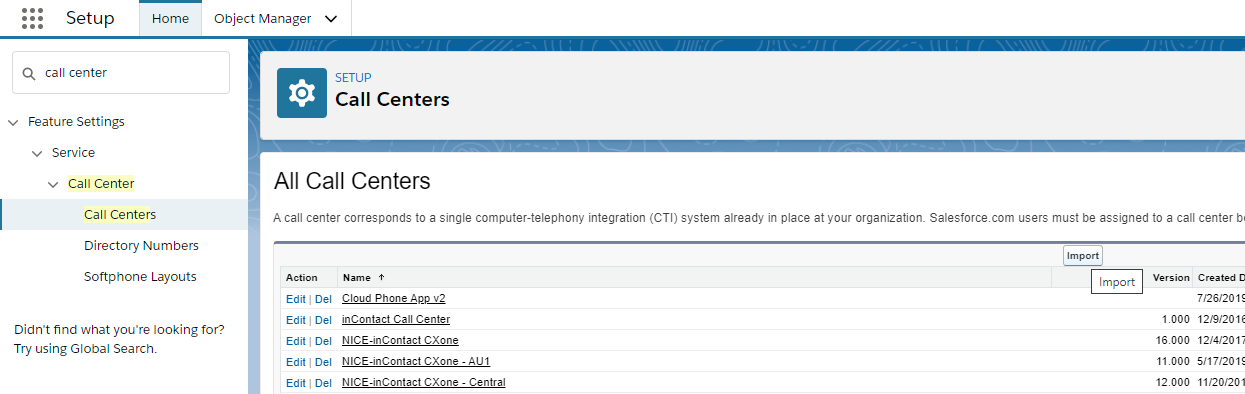
From the Setup Menu, navigate to Feature Settings > Service > Call Center > Call Centers. Select the Import button and select the file that was downloaded in step 1.
3. Assign Users To Call Center
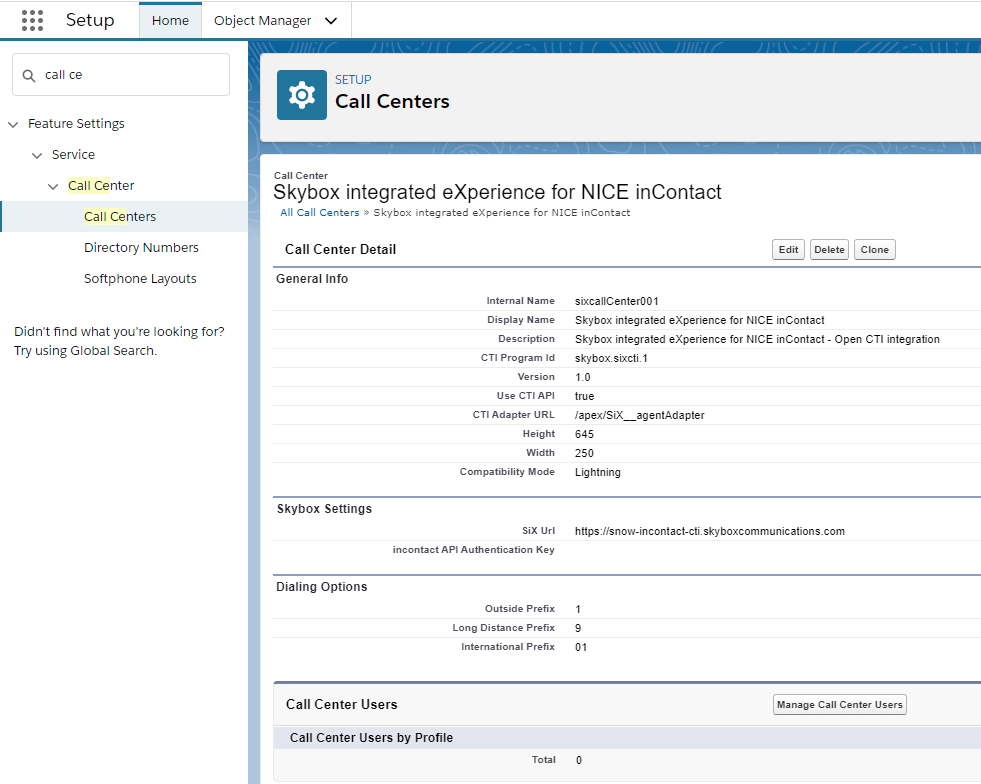
Once the Call Center is imported, you can assign users to the Call Center for use.
Info
A user can only be assigned to one Call Center at a time.