Agent Workspace Tasks
In ServiceNow's modern Agent Workspace, the embedded SiX Agent cannot link tasks and contacts using the default navigation history. To enable this functionality, you must implement a workaround involving a Script Include and Client Scripts.
1. Create a Script Include
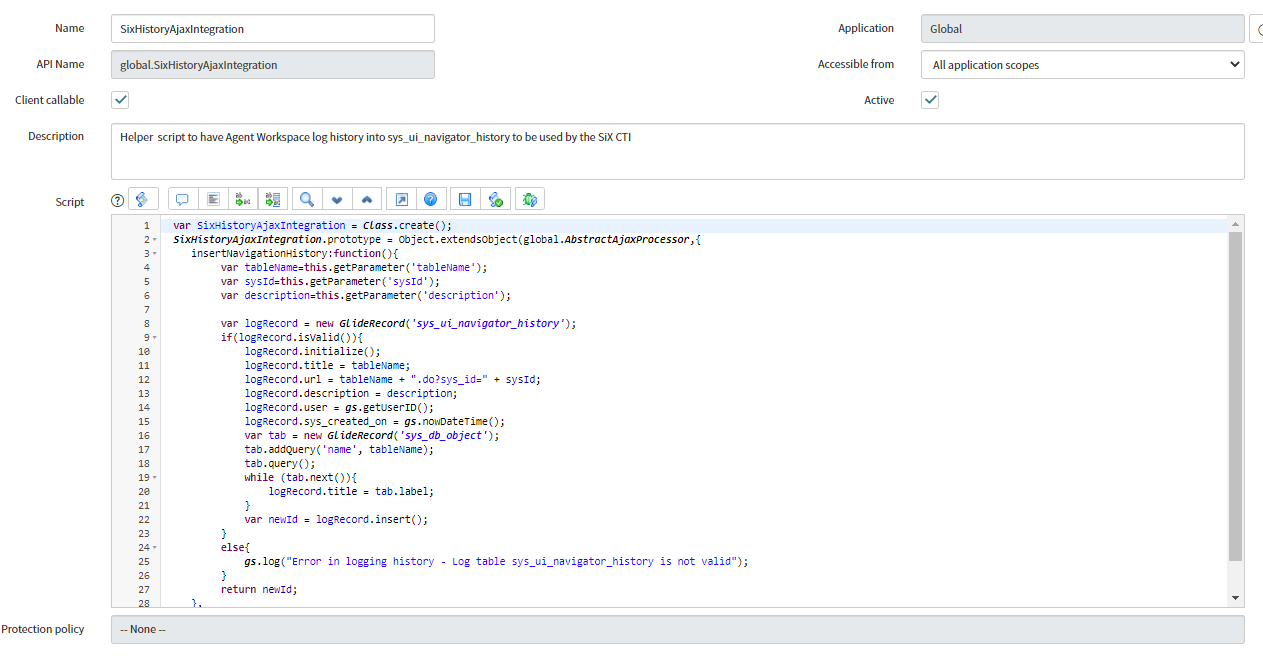
Create a new Script Include in ServiceNow responsible for inserting history records.
- Name:
SixHistoryAjaxIntegration - Client Callable: Checked
- Script:
var SixHistoryAjaxIntegration = Class.create();
SixHistoryAjaxIntegration.prototype = Object.extendsObject(global.AbstractAjaxProcessor,{
    insertNavigationHistory:function(){
        var tableName = this.getParameter('tableName');
        var sysId = this.getParameter('sysId');
        var description = this.getParameter('description');

        var gr = new GlideRecord('sys_ui_navigator_history');
        gr.initialize();
        gr.setValue('table', tableName);
        gr.setValue('sys_id', sysId);
        gr.setValue('title', description);
        gr.setValue('user', gs.getUserID());
        gr.insert();
    },
    type: 'SixHistoryAjaxIntegration'
});
2. Create Client Scripts
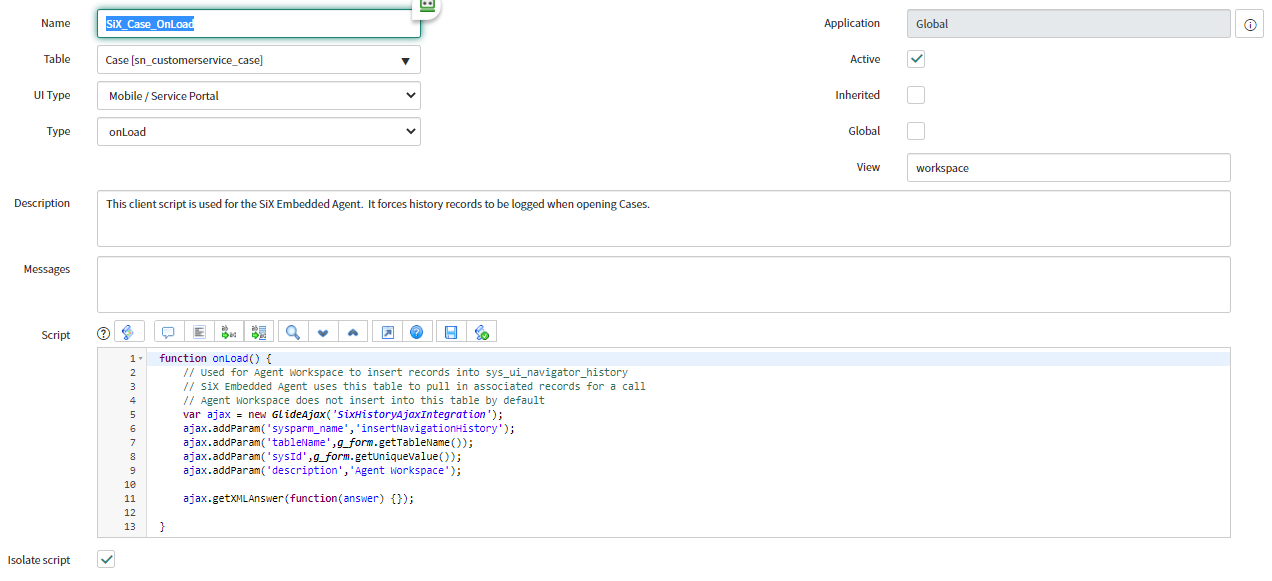
For each record type you want to link (e.g., Case, Incident, Request), create a Client Script.
- Type:
onLoad - UI Type:
Mobile / Service Portal(required for Agent Workspace) - Script:
function onLoad() {
    var ajax = new GlideAjax('SixHistoryAjaxIntegration');
    ajax.addParam('sysparm_name', 'insertNavigationHistory');
    ajax.addParam('tableName', g_form.getTableName());
    ajax.addParam('sysId', g_form.getUniqueValue());
    ajax.addParam('description', g_form.getDisplayValue());
    ajax.getXML();
}
Once implemented, the SiX Agent will be able to see these "history" records created by the script and offer them as linkable objects when an agent dispositions a contact.