Adding Attachments
You can attach files to your email responses directly within the SiX Agent interface.
Steps
1. Click Paperclip
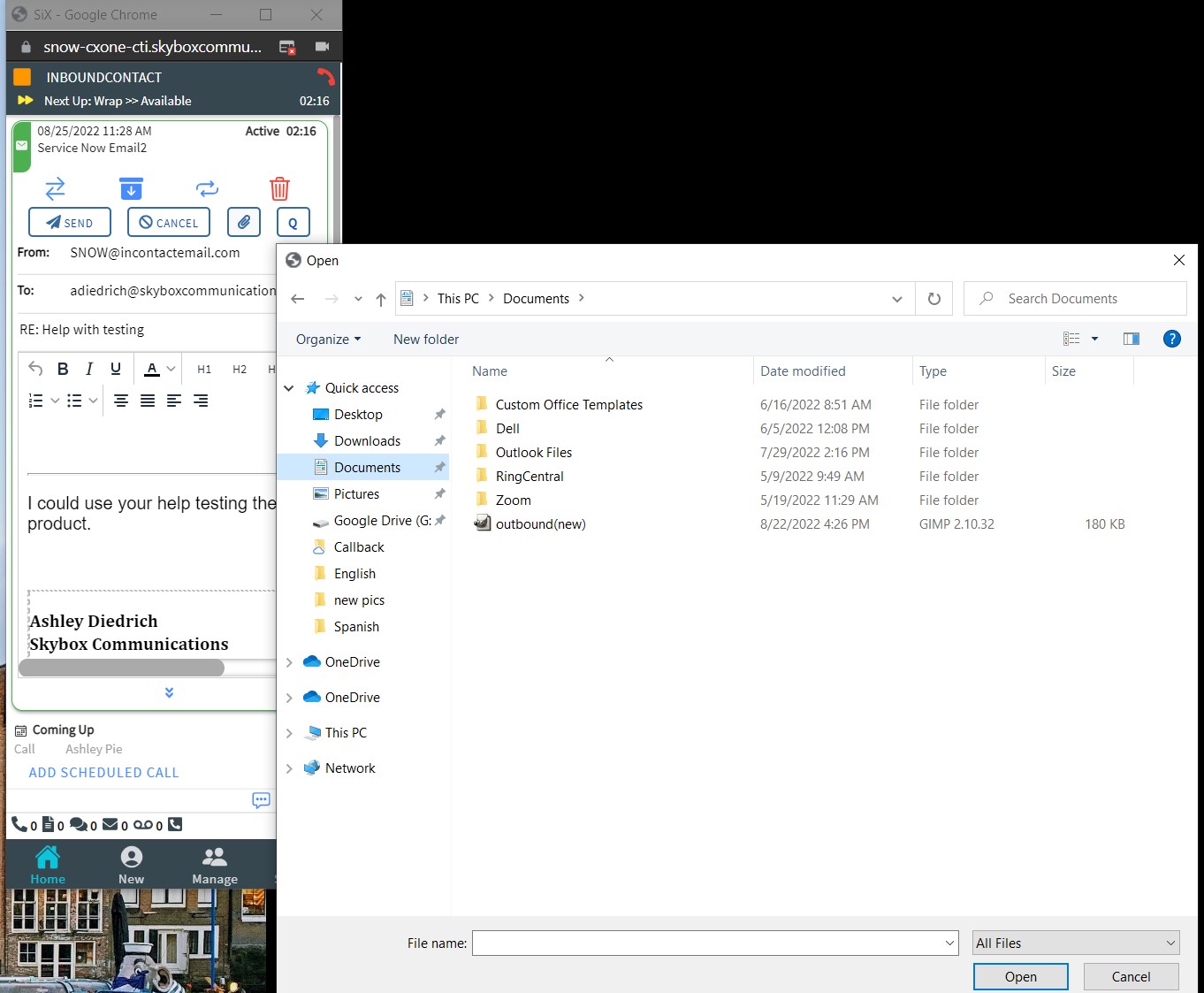
Click the paperclip icon on the active email card to open your local file browser.
2. Select File
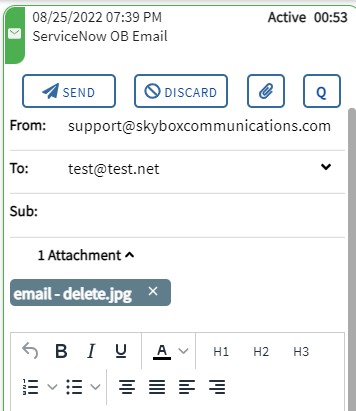
Choose the file you wish to attach and click Open. The file will appear in the attachment section of the email.
3. Remove an Attachment
If you need to remove an attached file before sending, click the X next to the filename.