Log In Options
There are several ways to authenticate and log into the SiX License Console, depending on where you are currently working.
1. Direct Login
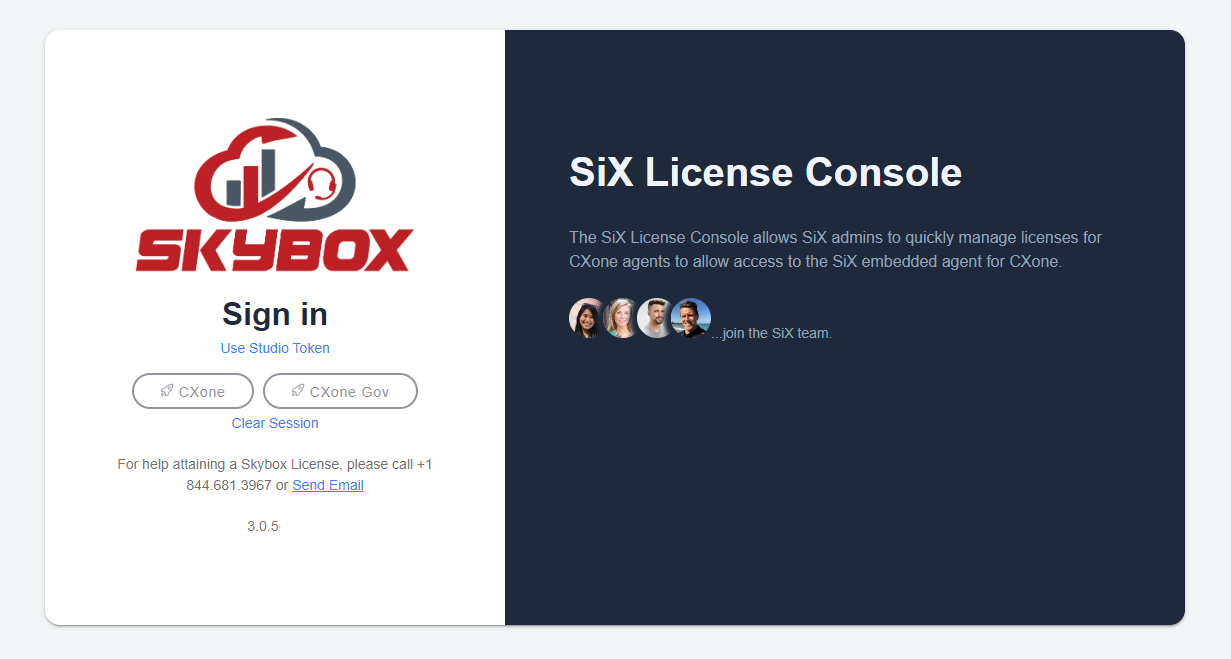
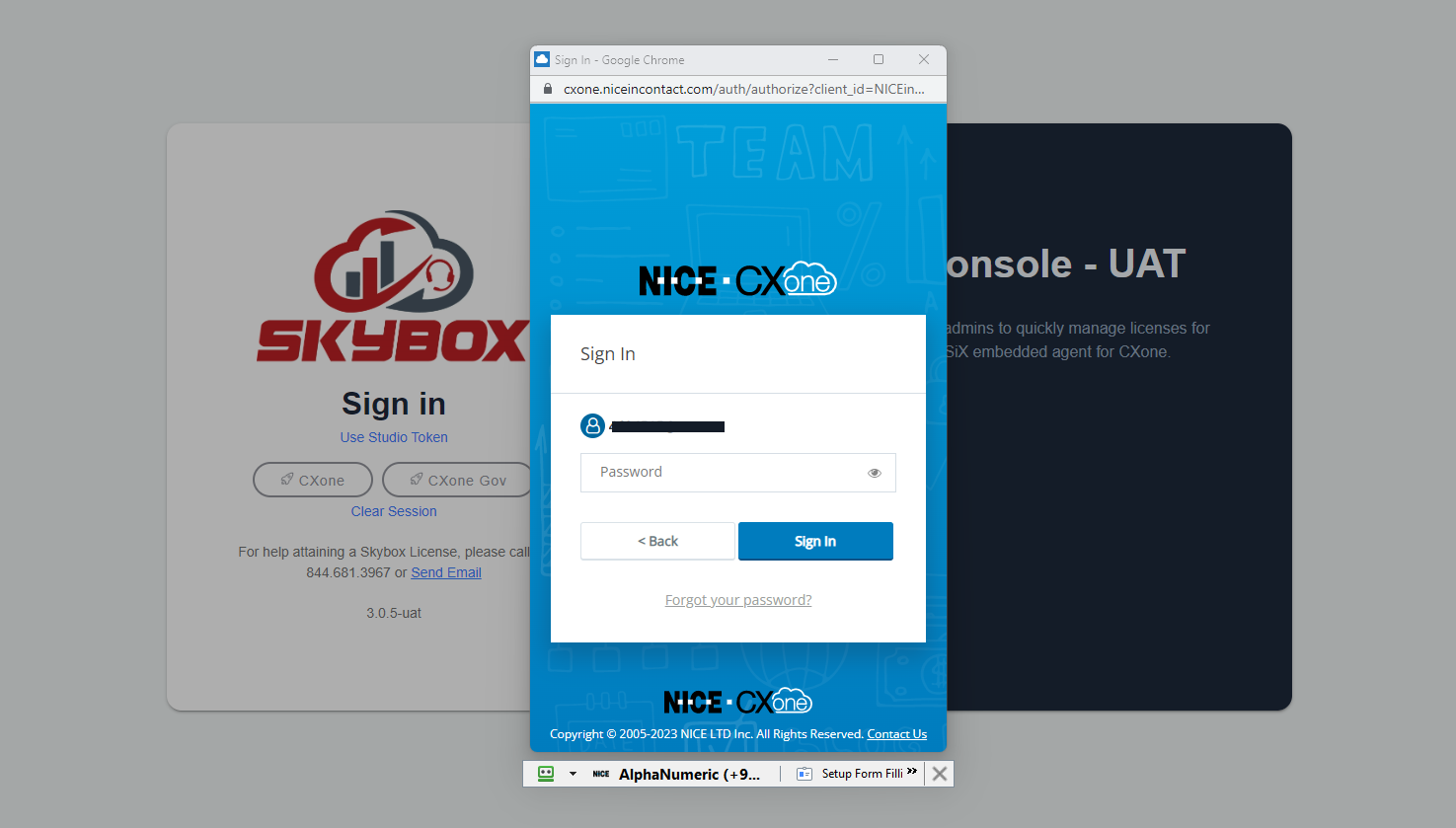
You can log in directly at the Advanced Admin Login using your CXone credentials.
2. Studio Login Flow
If you are already logged into the CXone Contact Center, you can use your current authentication token to log into the License Console.
- From the CXone Contact Center, click the Applications icon on the top left.
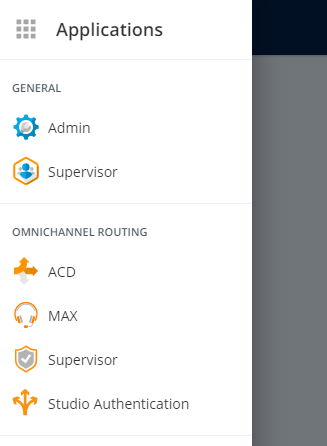
- Select Studio Authentication.
- When the alert displays, click OK.
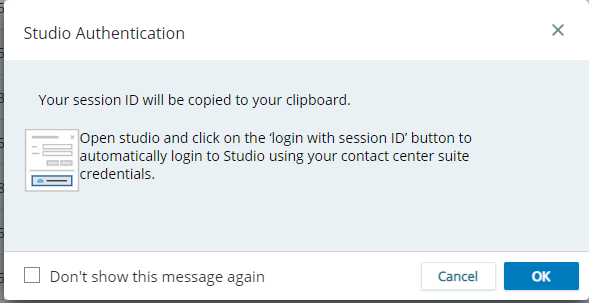
- Next, click on the Use Studio Token link on the License Console.
3. SiX Agent Login Flow
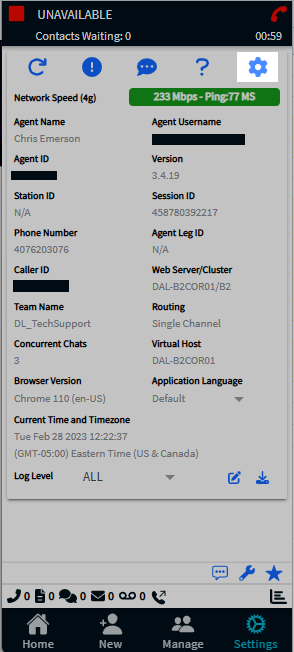
If you are already logged into the SiX Agent and are configured as an Admin in the License Console:
- Navigate to the Settings tab.
- Click the cog icon on the top right.
- This will log you directly into the License Console using your active authentication token.