Display WFM Application
The WEM (Workforce Engagement Management) section in the SiX Agent provides full access to your scheduling, evaluations, and coaching tools. Click the WEM icon at the bottom of SiX to open the application.
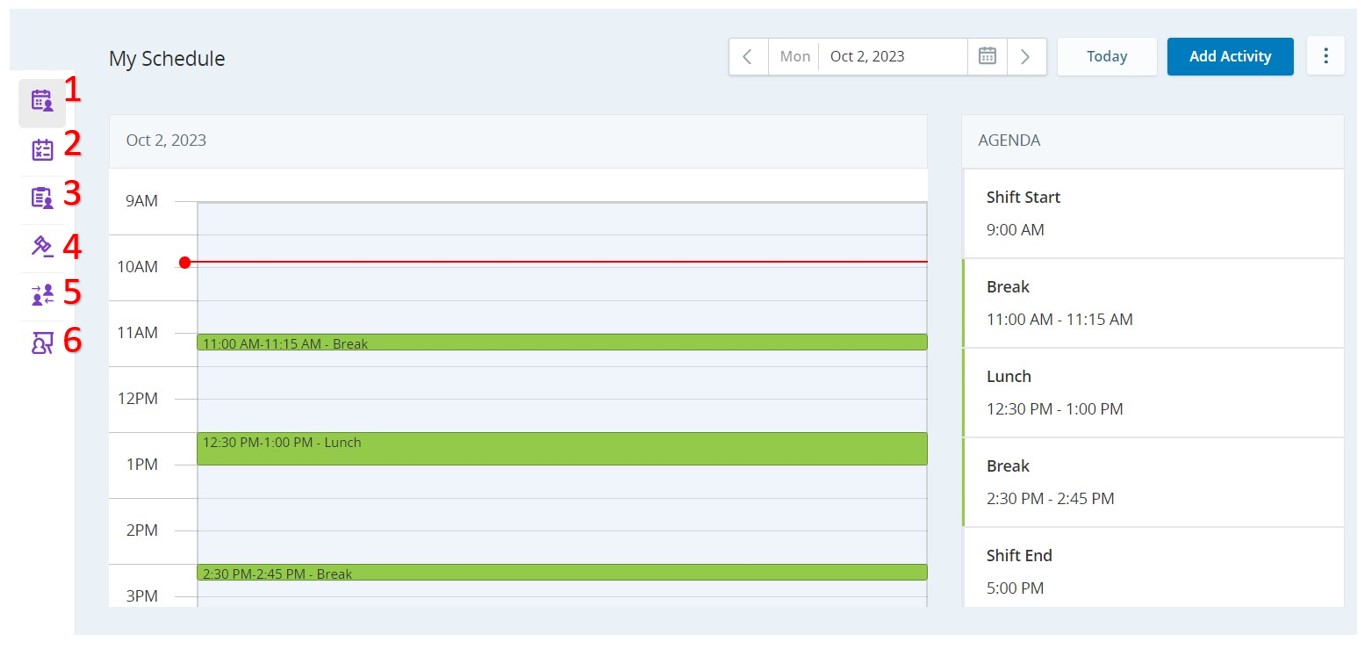
Features
1. My Schedule
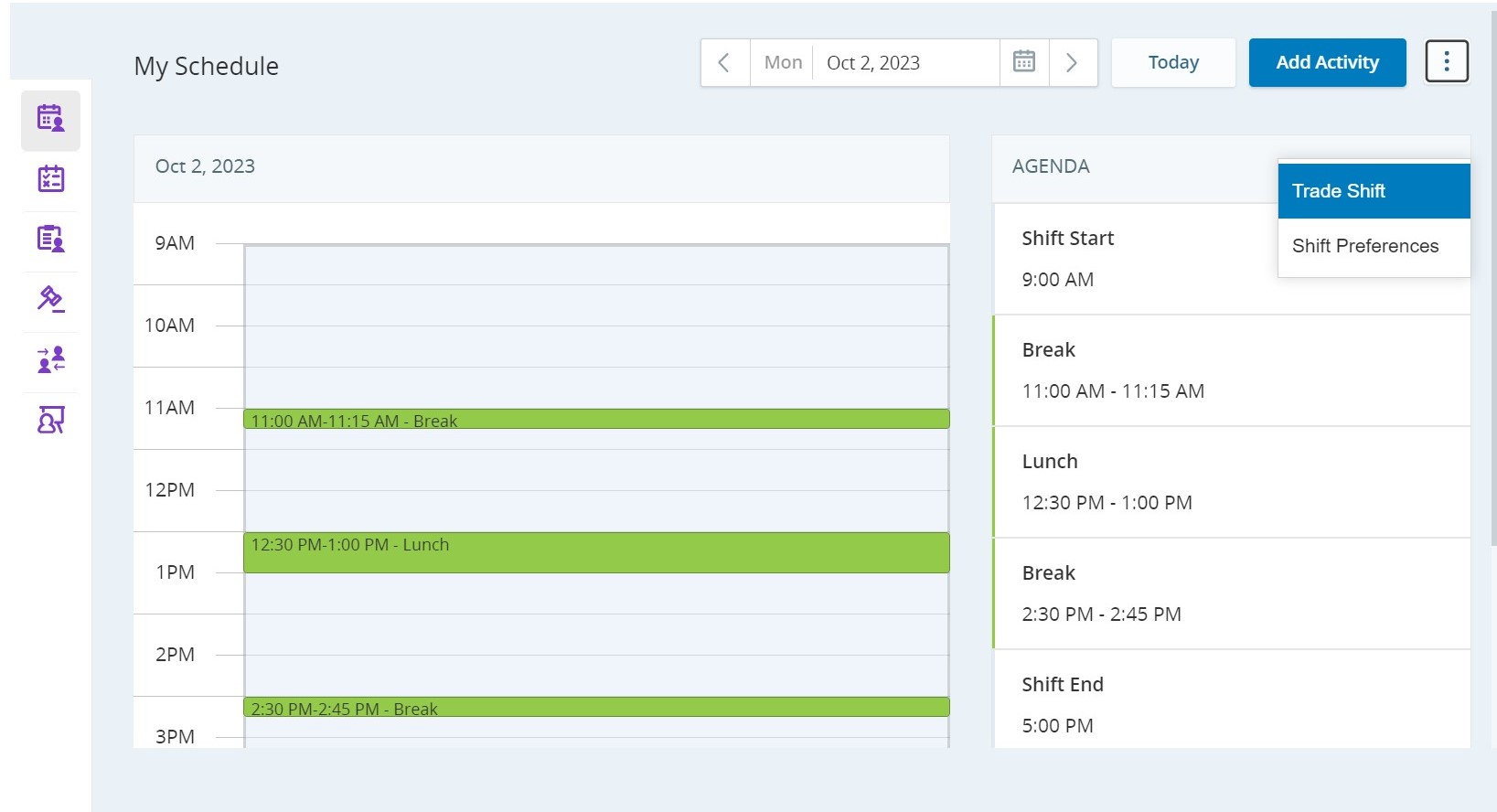
View your agenda and filter by date. You can also trade full or partial shifts with other agents depending on your organization's configuration.
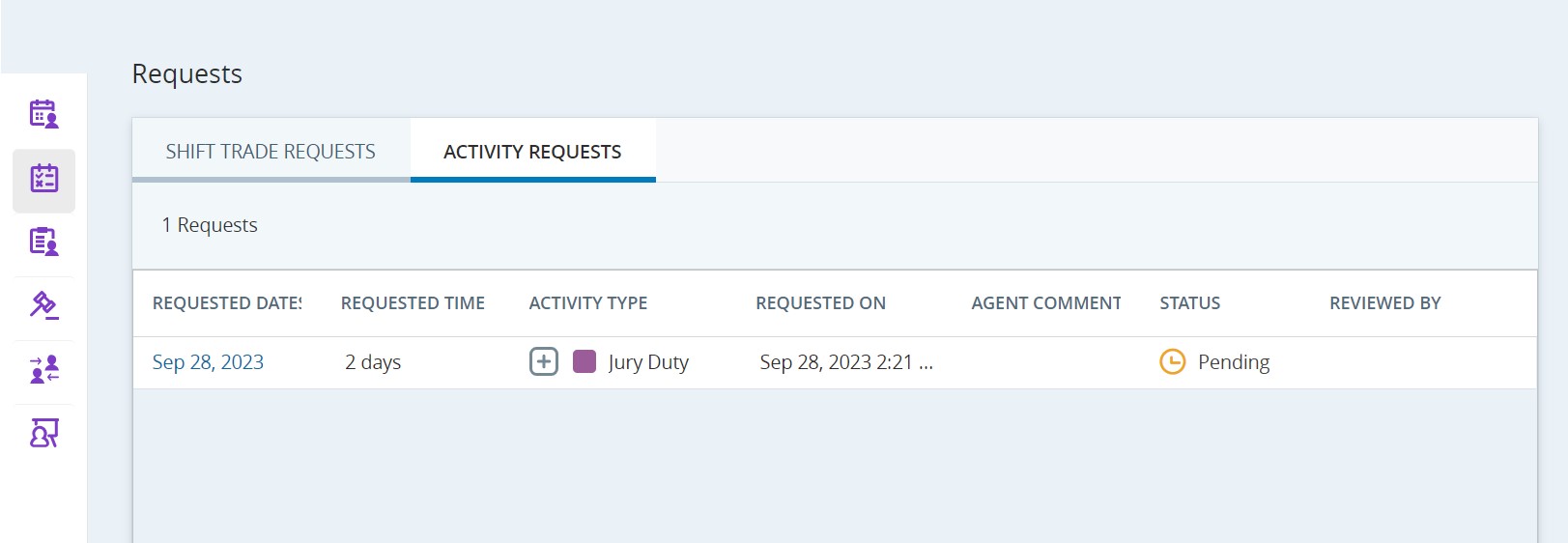
2. Schedule Requests
Track the status of your time-off or schedule change requests: - Pending: Waiting for supervisor action. - Approved: Request granted. - Declined: Request refused. - Discarded: Request is no longer valid due to a newer schedule update. - Canceled: Request withdrawn by you before approval.
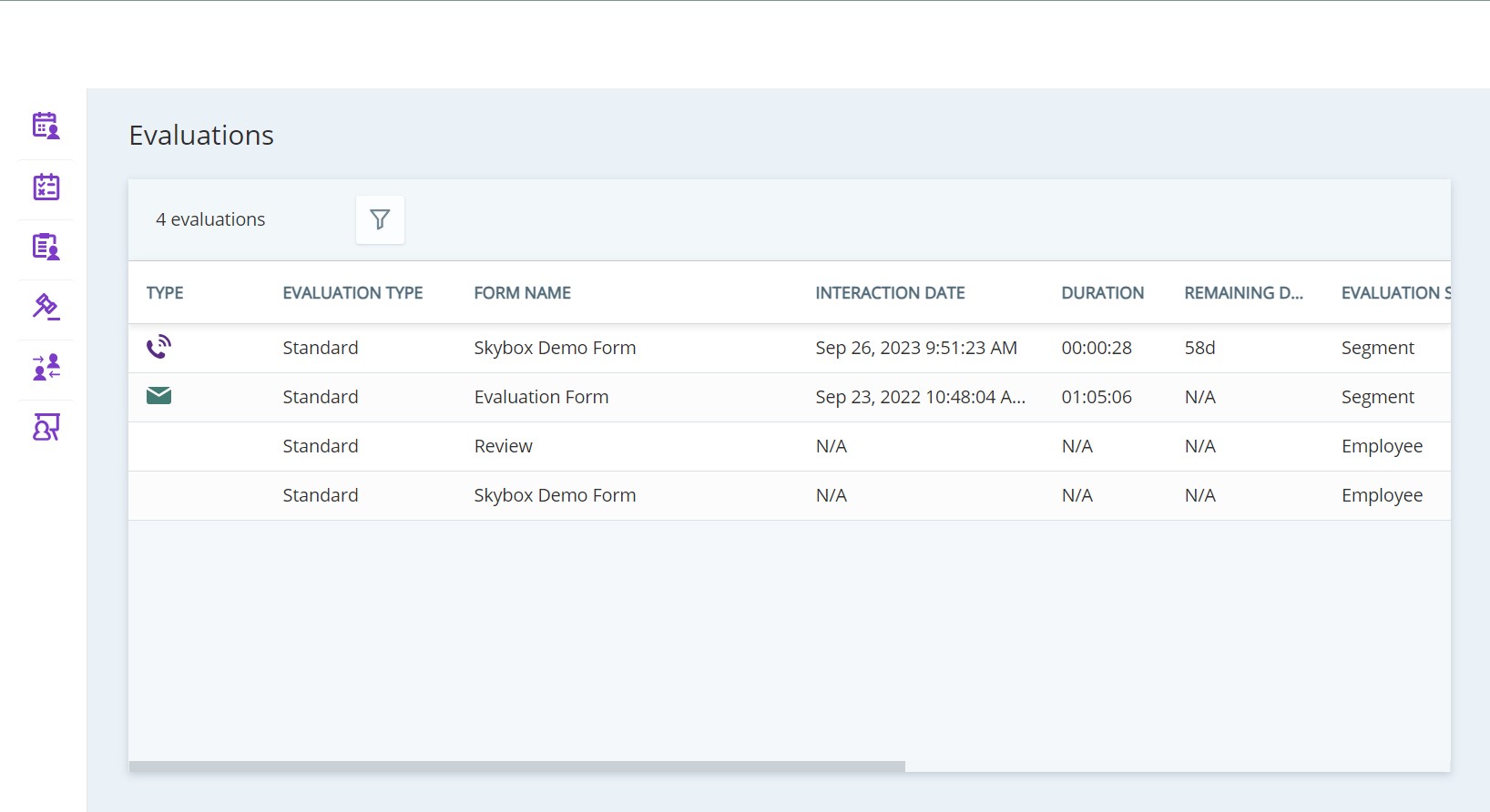
3. Evaluations
Review your performance evaluations, see your scores, and acknowledge receipt of the feedback.
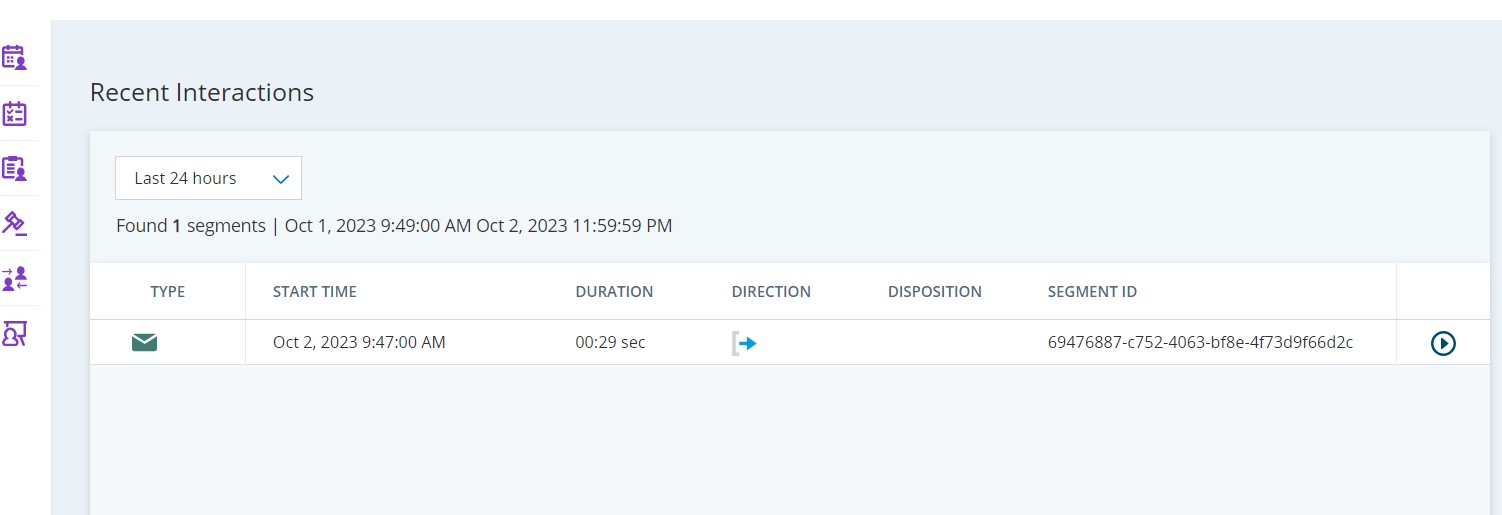
4. Recent Interactions
View details of your interactions from the last 24 hours, 7 days, 30 days, or 90 days.
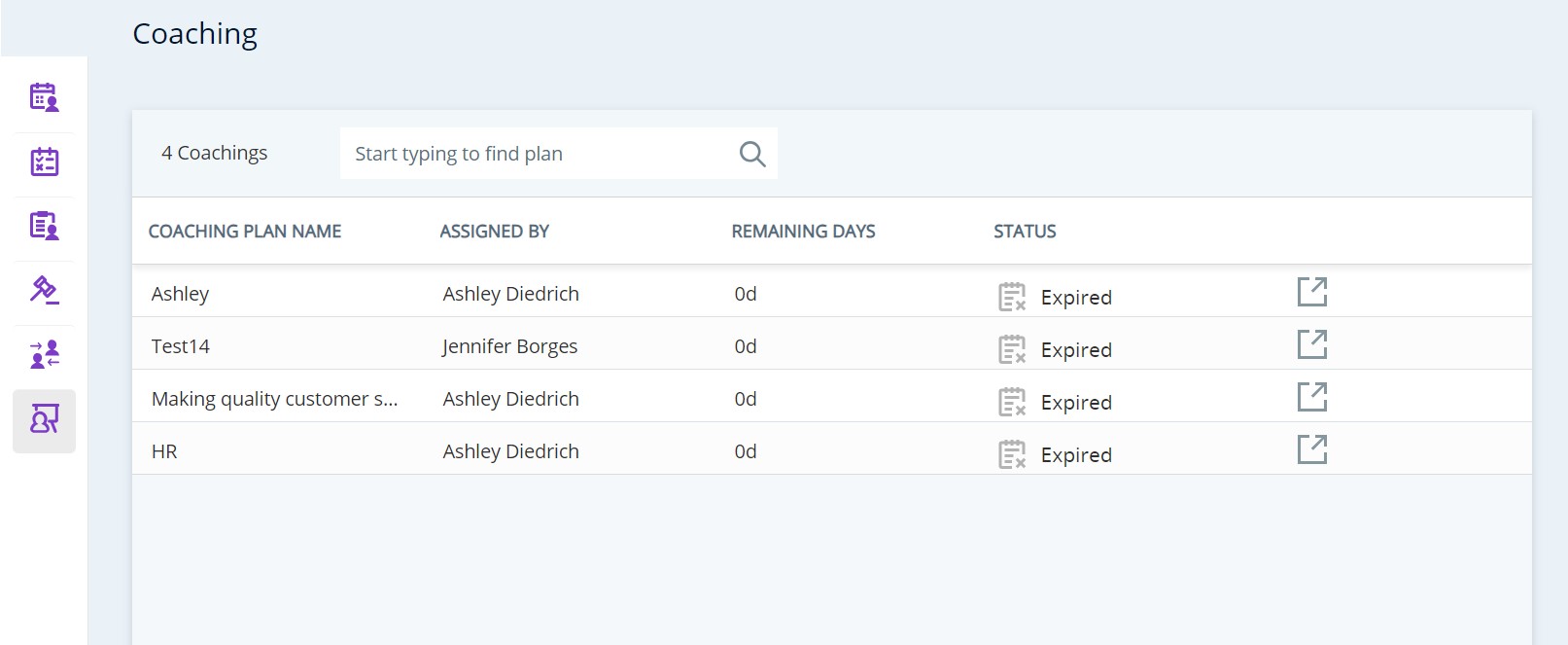
5. Coaching
Access coaching packages and training materials sent to you by your manager.