Transferring an Email
If you are unable to resolve an email, you can transfer it to another skill or agent.
Steps
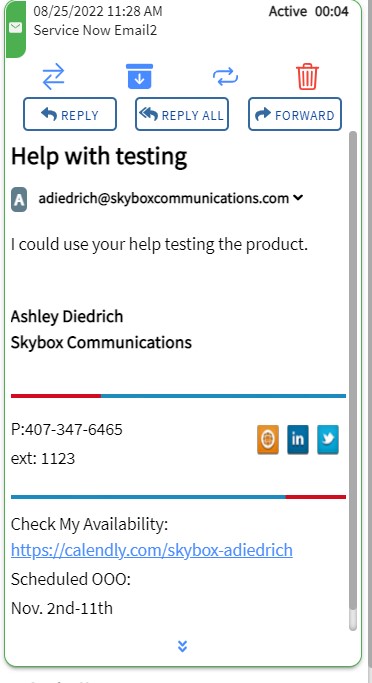
1. Click TRANSFER
Click the TRANSFER button on the active email contact card.
2. Find a Skill or Agent
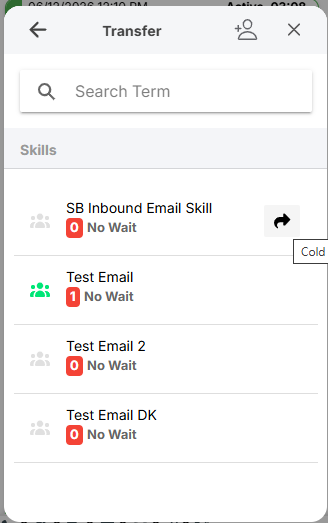
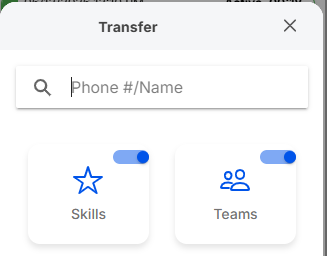
In the search field, type the name of the agent or skill. You can also use the Skills or Teams tabs to browse available targets.
3. Complete Transfer
Hover over the address book entry and click the blue arrow icon. The email is immediately transferred and removed from your interface.